Music Player
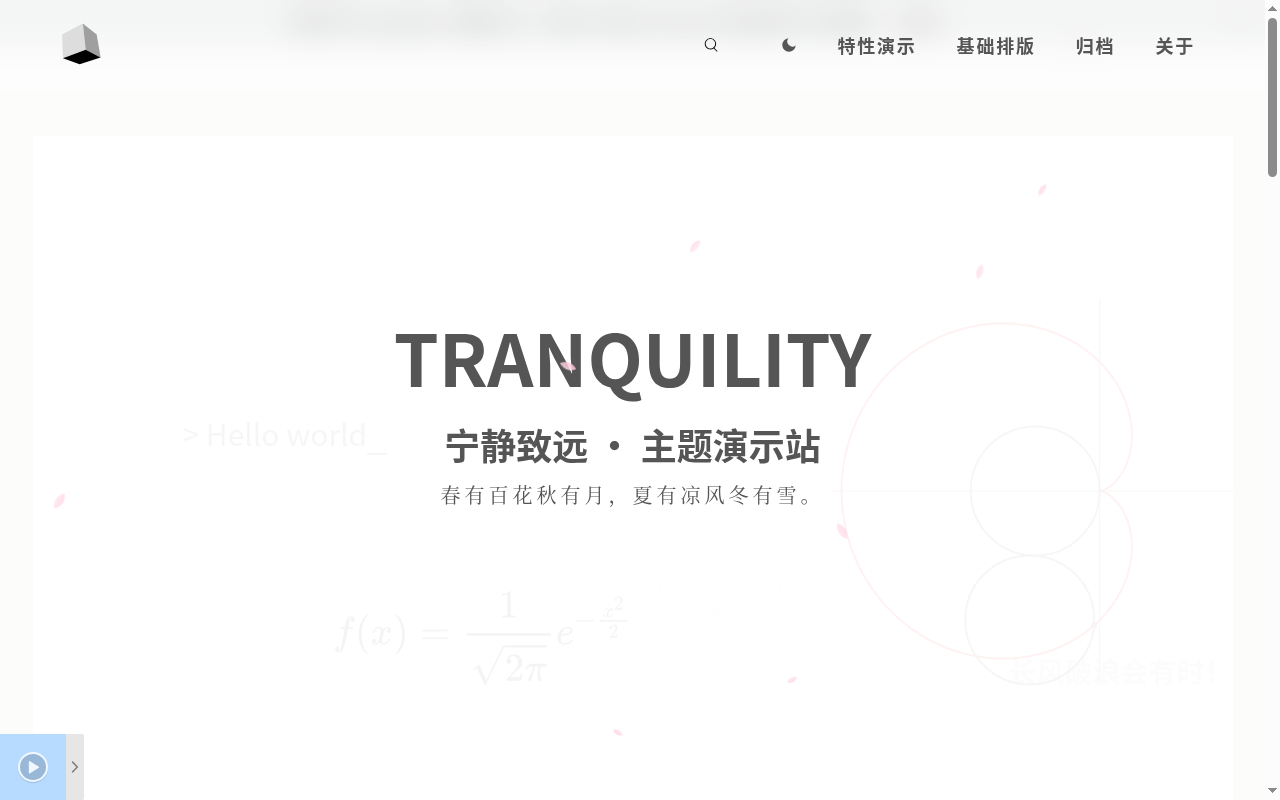
Mounts a mini APlayer music player in the bottom-left corner of your site, with playlist support and playback position memory across pages.
Configuration
music:
  enable: true
  songs: # playlist (name/artist/url/cover are all required)
    - name: Song title
      artist: Artist
      url: https://example.com/song.mp3
      cover: https://example.com/cover.jpg
Options
| Field | Description |
|---|---|
music.enable | Enable the music player |
music.songs | Playlist, at least one song |
songs[].name | Song title |
songs[].artist | Artist name |
songs[].url | Direct audio URL (publicly accessible, HTTPS recommended) |
songs[].cover | Cover image URL |
Cross-page Memory
Blog navigation is a full page refresh, which normally interrupts playback. The theme solves this with localStorage:
- Every few seconds and on page leave, the current track, playback position and playing state are saved
- When the visitor lands on a new page, the player restores the previous track and position, then tries to resume
- If the browser's autoplay policy blocks resuming, it stays paused at the saved position (one click to continue)
Performance & Security
- APlayer's JS/CSS are loaded from a CDN — zero impact on theme package size
- Zero overhead when disabled: no related DOM, scripts or styles are emitted
- Audio URLs are added to CSP
media-srconly when needed, without loosening other policies
Notes
- The player uses APlayer's mini (fixed) mode: a circular cover in the bottom-left corner, click to expand
- Use stable direct-link audio sources (object storage, self-hosted static servers, etc.); GitHub raw links are not suitable for large audio files
- Visitor-friendly: the player never auto-plays sound on first load, and silently pauses when auto-resume is blocked